
From first sign-up to final payment
Choose your role and see how BuildUp takes you from getting started to getting paid, on the web or on your phone.
See the stepsFour roles, one simple path
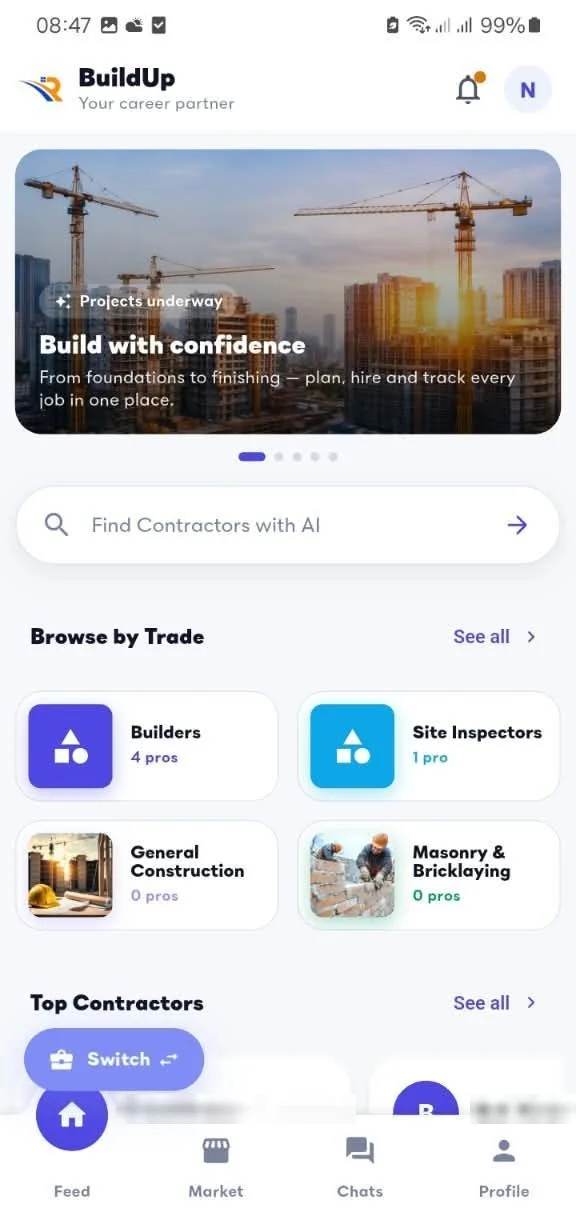
Have a project to build? Find and hire the right people, and keep everything in one place.
- 1
Create your account
Sign up on the web or the mobile app and set up your profile.
- 2
Post your project
Describe the job, your budget and your timeline.
- 3
Review and hire
Compare the professionals who respond and choose the right one.
- 4
Manage and pay
Follow the work and handle payments through your wallet.
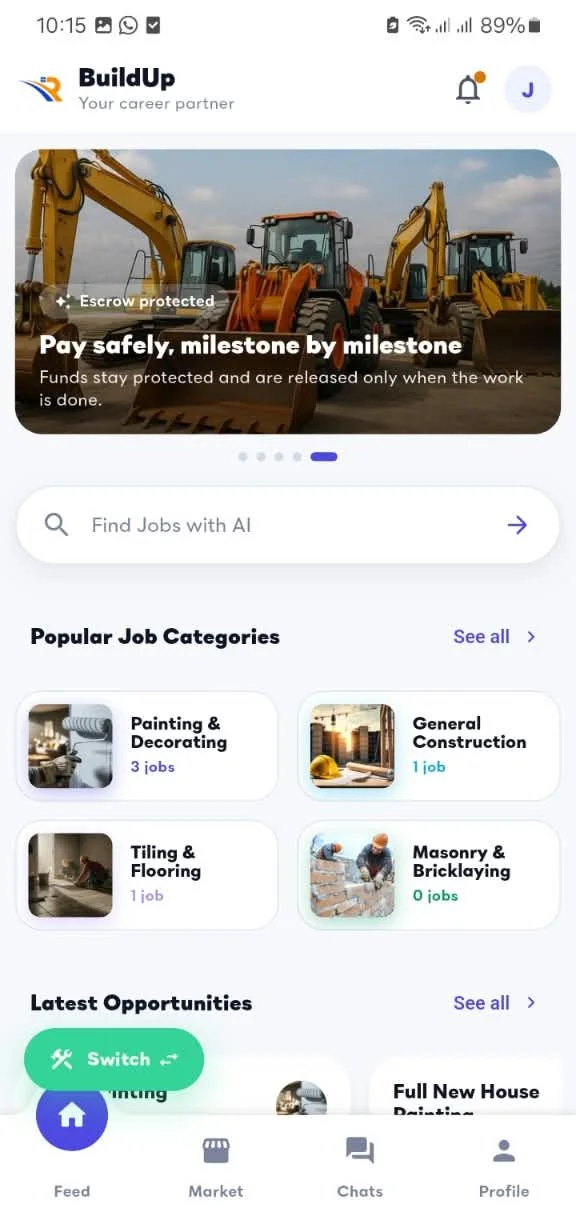
Find work that fits your skills and get paid for it.
- 1
Sign up as a contractor
Create your account and add your TIN to unlock the contractor role.
- 2
Browse and apply for jobs
Find projects that match your trade and send your application.
- 3
Get hired and deliver
Agree the scope with the client and complete the work.
- 4
Get paid
Receive your payment in your BuildUp wallet.

Offer your expertise to projects that need professional guidance.
- 1
Sign up as a consultant
Create your account and complete your professional profile.
- 2
Showcase your expertise
Show clients and contractors what you specialise in.
- 3
Win advisory work
Respond to opportunities and agree the terms.
- 4
Get paid
Receive your payment in your BuildUp wallet.
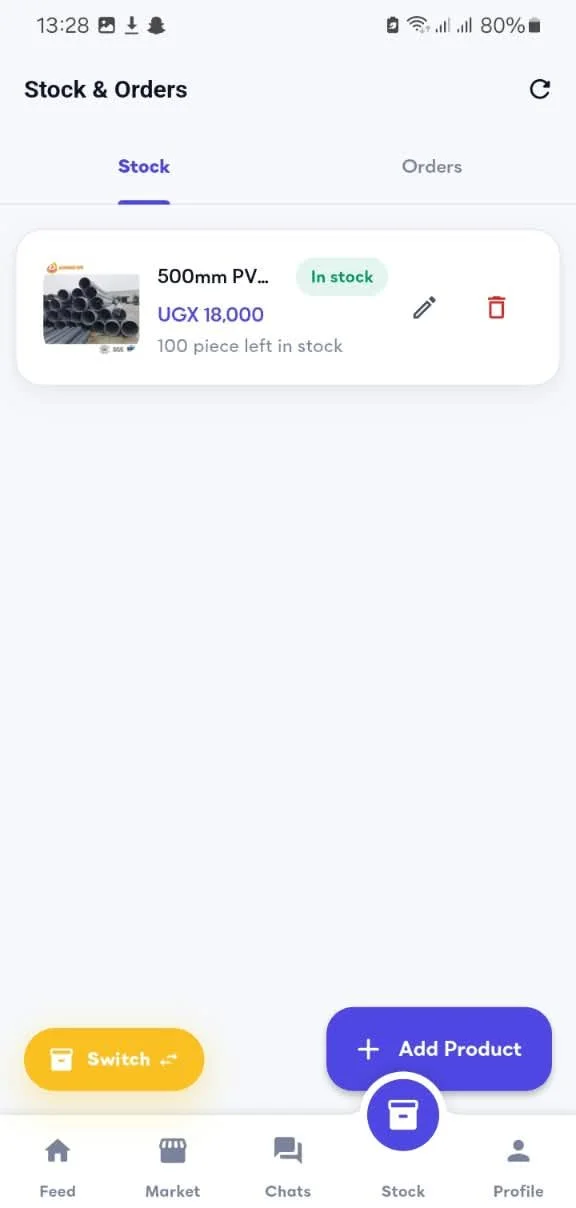
Put your materials in front of the people building right now.
- 1
Register your business
Create your account and add your registered business name and TIN.
- 2
List your materials
Add your products so buyers can browse them.
- 3
Fulfil orders
Clients and contractors order from you. Track every order and keep your stock up to date.
- 4
Get paid
Receive your payment in your BuildUp wallet.
Every payment protected, from budget to release
When a client posts a job, escrow is funded from the project fee. The money stays on the platform and is released only when the work is done.
- Step 1
Client sets the budget
When posting a project, the client sets the fee and escrow protection is funded from it.
- Step 2
Funds are held
The money sits safely on the platform while the work happens.
- Step 3
Work is confirmed
The client reviews the job and confirms it is done.
- Step 4
Payment is released
Funds move straight into the professional’s BuildUp wallet.
Frequently asked questions
Everything you need to know about BuildUp before you get started.
How do I post a project?
Create your account, then describe your project with the job details, your budget and your timeline.
How do I choose who to hire?
Review the professionals who respond to your project and choose the one that fits.
How do I pay?
Payments are handled through your BuildUp wallet.
Can I use BuildUp on my phone?
Yes. BuildUp is a mobile app and a web platform, with the same features on both.
Can I also work as a contractor or supplier?
Each account starts with one category. If you meet the requirements for another role, such as a TIN for contractors or a registered business name and TIN for suppliers, you can use the same account for that role too.